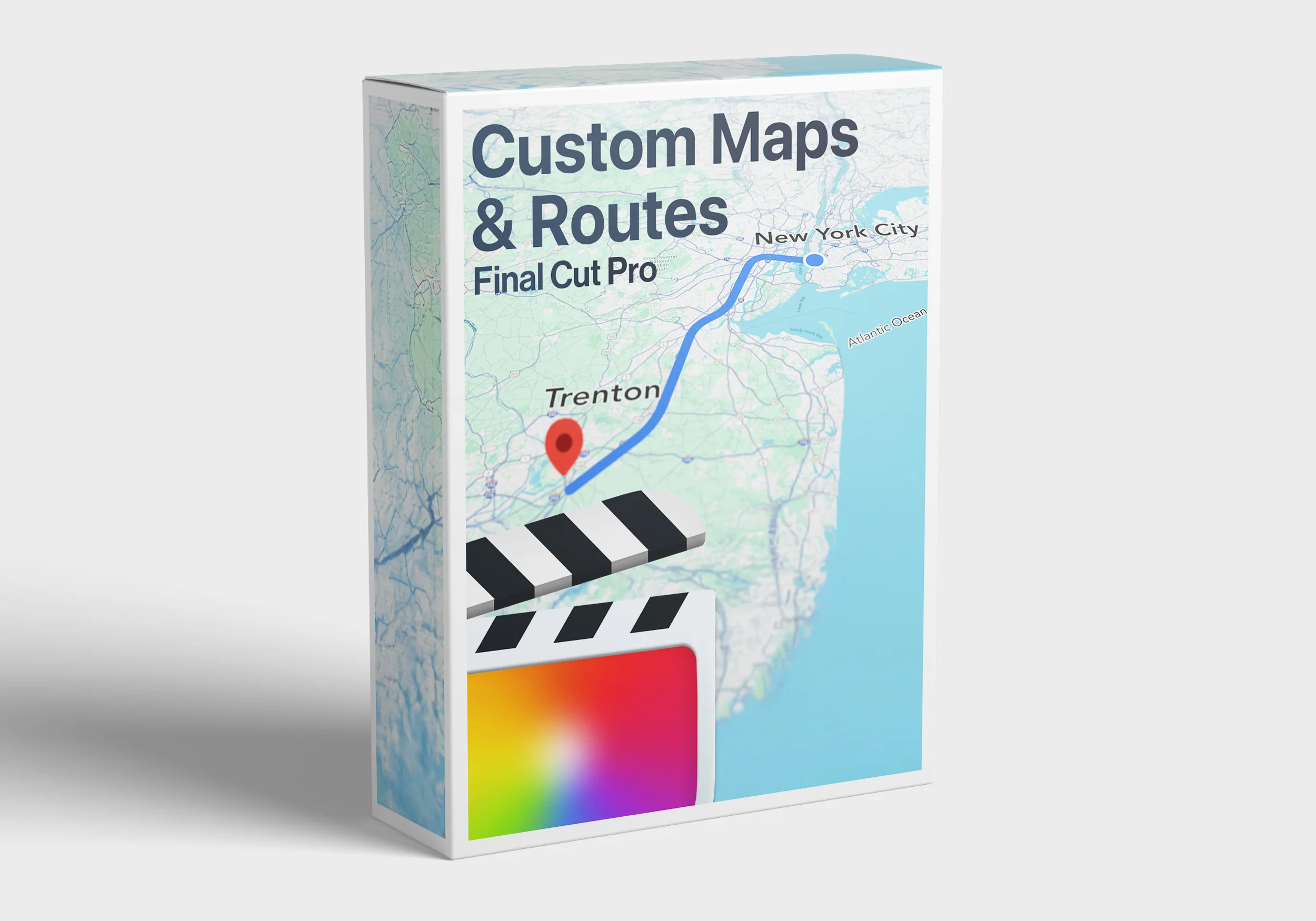
Custom Maps + Routes for Final Cut Pro
Plot Your Next Big Journey with
Custom Maps + Routes for Final Cut Pro!
"Custom Maps + Routes" is included in the The Ultimate Bundle
What's Included
- 7 Dynamic 3D Movement Maps: Upload a screenshot from Google Maps or Snazzy Maps and watch your routes come to life.
- 13 "Following Directions" Templates Styled After Google Maps: Perfect for showcasing travel routes in a clean, professional, and creative format.
- Fully customizable: Change everything from the design to fonts and route style to make the maps suit your project.
How to Use
- 🗺️ Go to a map designer and create a custom map.
- 🧑💻 Download or Screenshot the customized map.
- 🎬 Import into Final Cut Pro: Open the plugin and locate the drop zone.
- 🤙 Upload Your Map: Drag the image into the drop zone for seamless integration. (Top tip: make sure to choose a camera movement that compliments your route)
- 🎛️ Adjust to your liking: use on screen controls to move the route to your desired path.
👉 We suggest using Snazzy Maps, Learn how to use it here!
Ready to Elevate Your Storytelling?
Get the Custom Maps + Routes Plugin Pack today!
Ready to Buy?
Check Out The Templates Included
- Please ensure you are running FCP 10.6.1 or above to run this plugin
(available as a free update on the app store)
- Pack optomized for 16x9 and 9x16 projects, though we recommend using in 16x9 projects for optimal performance with this pack.
- For best results please use 16x9 footage in the dropzones.© All Rights Reserved FCPX Full Access
*Strictly not for sharing or resale & Please use this original link to share this effect
Create gorgeous Tile sequences, mockups, mock ups, iphone style, vertical video that show off your footage with ease directly inside Final Cut Pro using simple dropzones - the plugin does all the work for you!Show off your clips in an engaging and creative way.This awesome pack includes 13 Designer Tile sequences and 1 Stylish background for Final Cut Pro. And of course, it's 100% compatible with M1 Macs.
Original: $19.99
-65%$19.99
$7.00Custom Maps + Routes for Final Cut Pro
Plot Your Next Big Journey with
Custom Maps + Routes for Final Cut Pro!
"Custom Maps + Routes" is included in the The Ultimate Bundle
What's Included
- 7 Dynamic 3D Movement Maps: Upload a screenshot from Google Maps or Snazzy Maps and watch your routes come to life.
- 13 "Following Directions" Templates Styled After Google Maps: Perfect for showcasing travel routes in a clean, professional, and creative format.
- Fully customizable: Change everything from the design to fonts and route style to make the maps suit your project.
How to Use
- 🗺️ Go to a map designer and create a custom map.
- 🧑💻 Download or Screenshot the customized map.
- 🎬 Import into Final Cut Pro: Open the plugin and locate the drop zone.
- 🤙 Upload Your Map: Drag the image into the drop zone for seamless integration. (Top tip: make sure to choose a camera movement that compliments your route)
- 🎛️ Adjust to your liking: use on screen controls to move the route to your desired path.
👉 We suggest using Snazzy Maps, Learn how to use it here!
Ready to Elevate Your Storytelling?
Get the Custom Maps + Routes Plugin Pack today!
Ready to Buy?
Check Out The Templates Included
- Please ensure you are running FCP 10.6.1 or above to run this plugin
(available as a free update on the app store)
- Pack optomized for 16x9 and 9x16 projects, though we recommend using in 16x9 projects for optimal performance with this pack.
- For best results please use 16x9 footage in the dropzones.© All Rights Reserved FCPX Full Access
*Strictly not for sharing or resale & Please use this original link to share this effect
Create gorgeous Tile sequences, mockups, mock ups, iphone style, vertical video that show off your footage with ease directly inside Final Cut Pro using simple dropzones - the plugin does all the work for you!Show off your clips in an engaging and creative way.This awesome pack includes 13 Designer Tile sequences and 1 Stylish background for Final Cut Pro. And of course, it's 100% compatible with M1 Macs.
Product Information
Product Information
Shipping & Returns
Shipping & Returns
Description
Plot Your Next Big Journey with
Custom Maps + Routes for Final Cut Pro!
"Custom Maps + Routes" is included in the The Ultimate Bundle
What's Included
- 7 Dynamic 3D Movement Maps: Upload a screenshot from Google Maps or Snazzy Maps and watch your routes come to life.
- 13 "Following Directions" Templates Styled After Google Maps: Perfect for showcasing travel routes in a clean, professional, and creative format.
- Fully customizable: Change everything from the design to fonts and route style to make the maps suit your project.
How to Use
- 🗺️ Go to a map designer and create a custom map.
- 🧑💻 Download or Screenshot the customized map.
- 🎬 Import into Final Cut Pro: Open the plugin and locate the drop zone.
- 🤙 Upload Your Map: Drag the image into the drop zone for seamless integration. (Top tip: make sure to choose a camera movement that compliments your route)
- 🎛️ Adjust to your liking: use on screen controls to move the route to your desired path.
👉 We suggest using Snazzy Maps, Learn how to use it here!
Ready to Elevate Your Storytelling?
Get the Custom Maps + Routes Plugin Pack today!
Ready to Buy?
Check Out The Templates Included
- Please ensure you are running FCP 10.6.1 or above to run this plugin
(available as a free update on the app store)
- Pack optomized for 16x9 and 9x16 projects, though we recommend using in 16x9 projects for optimal performance with this pack.
- For best results please use 16x9 footage in the dropzones.© All Rights Reserved FCPX Full Access
*Strictly not for sharing or resale & Please use this original link to share this effect
Create gorgeous Tile sequences, mockups, mock ups, iphone style, vertical video that show off your footage with ease directly inside Final Cut Pro using simple dropzones - the plugin does all the work for you!Show off your clips in an engaging and creative way.This awesome pack includes 13 Designer Tile sequences and 1 Stylish background for Final Cut Pro. And of course, it's 100% compatible with M1 Macs.